
Tools mentioned in this article
Open the browser-based tool while you read and try the workflow immediately.
Writing type definitions for API responses is unavoidable in TypeScript development. Hand-typing an interface while reading a deeply nested JSON object is tedious and a breeding ground for typos.
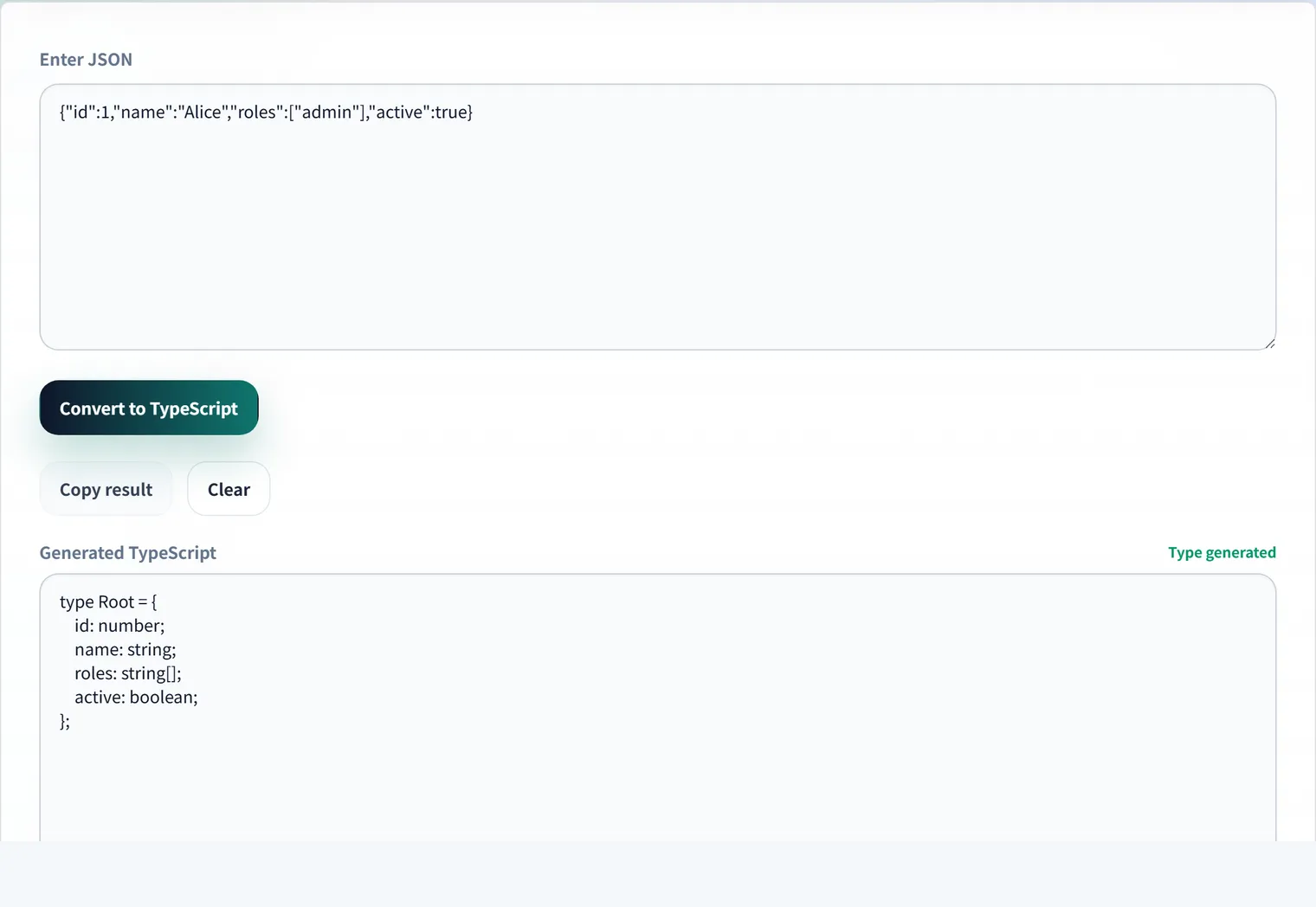
This article shows what TypeScript types actual JSON turns into, using concrete conversion examples, along with the tips and caveats of automatic generation.
The Basics: A Flat Object
Start with a simple example.
{
  "id": 42,
  "name": "Alice",
  "isActive": true
}
This becomes the following type. Each value’s type (number / string / boolean) can be inferred mechanically from the actual data.
interface User {
  id: number;
  name: string;
  isActive: boolean;
}
Nesting and Arrays
Real API responses contain nested objects and arrays.
{
  "id": 42,
  "name": "Alice",
  "roles": ["admin", "editor"],
  "profile": {
    "age": 30,
    "city": "Tokyo"
  }
}
The convention is to type arrays from their element type (string[]) and extract nested objects into their own interfaces.
interface Profile {
  age: number;
  city: string;
}

interface User {
  id: number;
  name: string;
  roles: string[];
  profile: Profile;
}
Easy-to-Miss Pitfalls
null and optional properties
When JSON contains null, that value alone can’t tell you whether the field is “always nullable” or “just happened to be null.”
{ "nickname": null, "deletedAt": null }A mechanical conversion produces nickname: null, but in practice string | null or nickname?: string is usually correct. Adjust by hand after generation to match the API spec.
interface User {
  nickname: string | null;   // a value may also arrive
  deletedAt?: string;        // the field itself may be absent
}
Watch for numbers as strings
APIs that wrap numbers in strings, like "price": "1980", are common. Generators infer this as string. If you compute with it, change the type to number or convert on receipt—decide a policy up front.
Empty arrays have no determinable type
An empty array like "tags": [] gives no element type and tends to become never[] or any[]. Use a sample with elements, or specify string[] by hand after generating.
Steps to Use Automatic Generation
- Copy a real response from your browser’s Network tab or curl output
- Paste it into the JSON → TypeScript generator
- Rename the root interface from
Rootto something likeUserResponse - Adjust
nulland optional fields to match the spec - Paste into your project—done
The key is to use a representative sample with all fields present. A sparse sample will miss optional fields and type variations.
When Types Aren’t Enough: Reach for Zod
TypeScript types are a compile-time check. There is no guarantee that data actually arriving from an external API matches your types. If you also want runtime validation, generate a schema with the JSON → Zod generator and add an entry check with schema.parse(data). Zod also infers types, letting you manage types and validation in one place.
Frequently Asked Questions
Renaming the root interface every time is tedious.
Most tools emit the root as a generic Root. The easiest approach is to do a find-and-replace to your project’s convention (ApiResponse, UserProfile, …) after copying. Nested interface names usually reflect their content, so fixing only the root is enough in most cases.
How do I use a snake_case API as camelCase?
Generated types mirror the JSON keys, so you’ll get names like created_at. To standardize on camelCase, convert at the API boundary (a mapping function or a camelize library). Keep the types matching the API’s reality and make the conversion explicit to avoid confusion.
Should I create the TypeScript type or the Zod schema first?
If you need runtime validation, create the Zod schema and derive the type with z.infer—that keeps everything in one place. If a compile-time check is enough for trusted internal data, generating just the TypeScript type is fine. Use Zod for “untrusted input” such as external APIs and form data.