
Tools mentioned in this article
Open the browser-based tool while you read and try the workflow immediately.
Time settings fail quietly when the unit is wrong
Configuration values such as 30000, 60, or 3600 are ambiguous unless you know the expected unit. A timeout might be milliseconds, a cache TTL might be seconds, and a monitoring interval might be minutes.
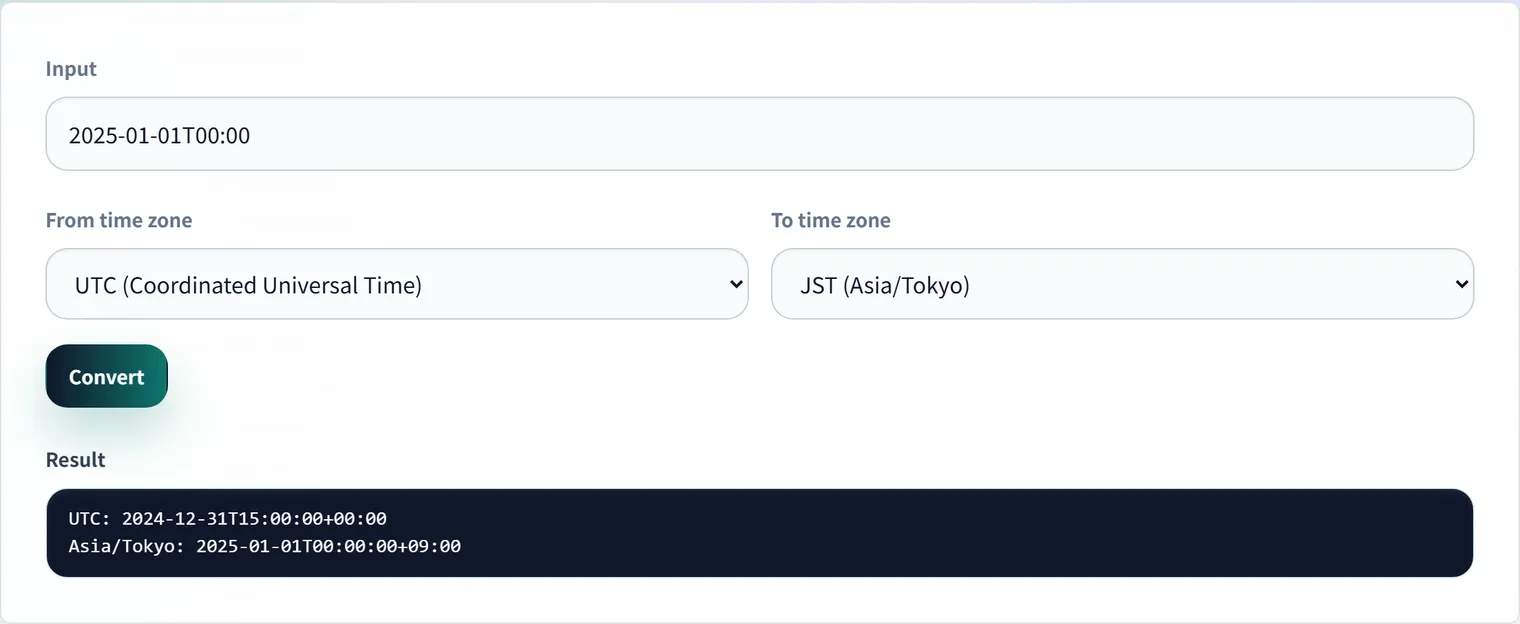
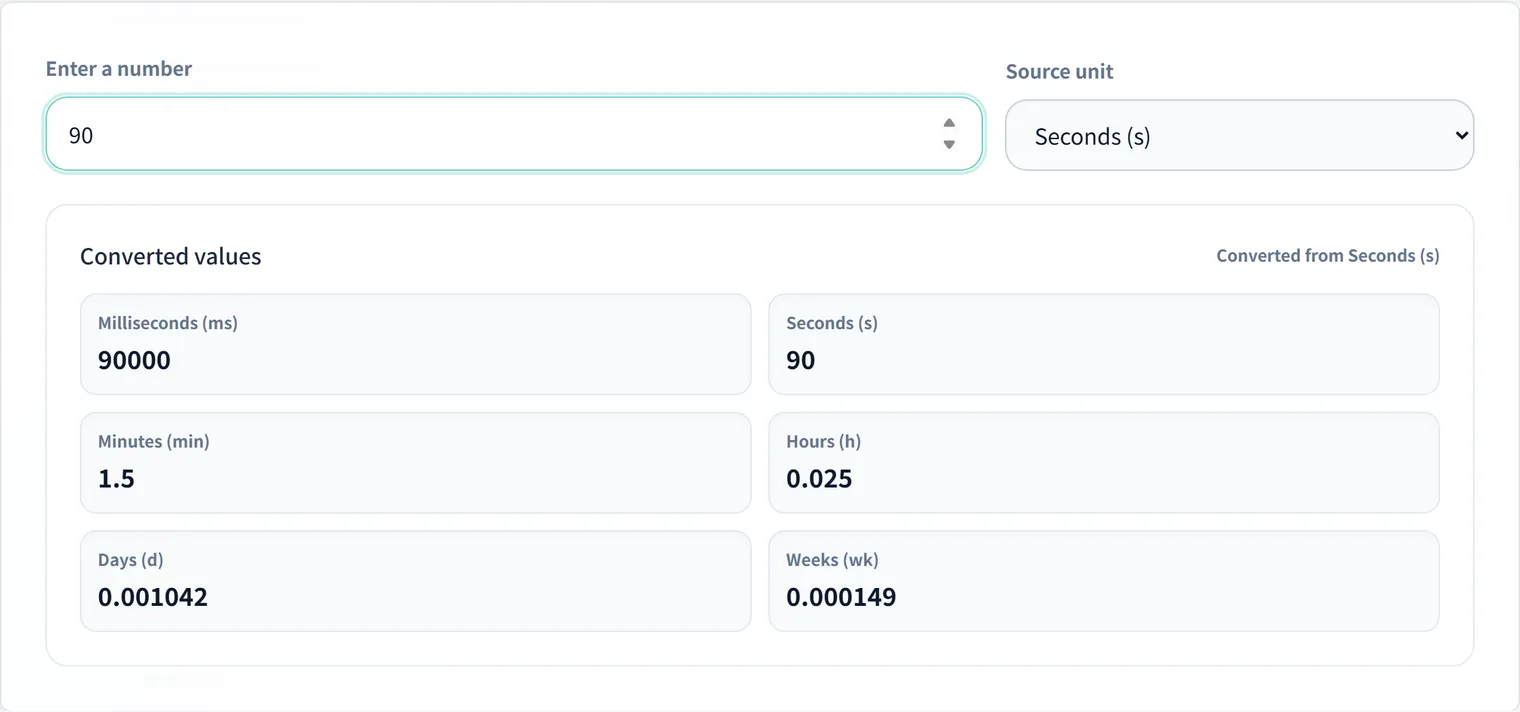
The Time Unit Converter converts milliseconds, seconds, minutes, hours, and days so you can review settings before they become bugs.
Example: Making config values reviewable
Say an API client config contains these values:
const apiClient = {
  timeout: 30000,
  retryDelay: 1500,
  cacheTtl: 86400,
};
The raw numbers are hard to judge, but aligning the units makes them reviewable.
| Setting | Raw value | Reads as |
|---|---|---|
timeout | 30000ms | 30 seconds |
retryDelay | 1500ms | 1.5 seconds |
cacheTtl | 86400s | 24 hours |
Converted like this, the team can discuss whether the API timeout is reasonable, whether the retry delay is too short, and whether the cache should live until the next day.
Common conversions
30000ms is 30 seconds. 5 minutes is 300 seconds or 300000 milliseconds. 3600 seconds is one hour. Writing these values in human-readable form during review makes configuration mistakes easier to spot.
Combine duration and clock time
When you need to know when a timestamp expires, combine duration conversion with the Unix Timestamp Converter or UTC and JST Time Zone Converter. This helps translate TTLs and token expiration values into real calendar times.
Summary
Milliseconds and seconds are easy to confuse. Convert values before pasting them into configuration, and always check the unit expected by the library, API, or cloud service.
Frequently Asked Questions
Is a value like 30000 milliseconds or seconds?
It depends on the context. Some Node.js APIs and the browser’s setTimeout use milliseconds, so 30000 is 30 seconds—while Redis’s EX is in seconds. The same “timeout” differs by library or service, so check the unit in the docs and convert it to a human-readable unit with the Time Unit Converter.
How can I prevent mixing up units?
Include the unit in the setting or environment-variable name. API_TIMEOUT_MS, CACHE_TTL_SECONDS, and JOB_INTERVAL_MINUTES convey intent even to someone who only sees the value. A value like 60 is especially risky since it could be 60 ms, 60 s, or 60 min.
I want to know when a TTL actually expires.
To turn a TTL in seconds into a real date/time, combine it with the Unix Timestamp Converter or the UTC and JST Converter to see the concrete expiration time.