
Tools mentioned in this article
Open the browser-based tool while you read and try the workflow immediately.
Why URLs contain strings like %20 and %2F
URLs can only use certain characters safely. Spaces, non-English text, slashes inside values, symbols, and reserved characters often need to be percent-encoded before they are placed into a URL.
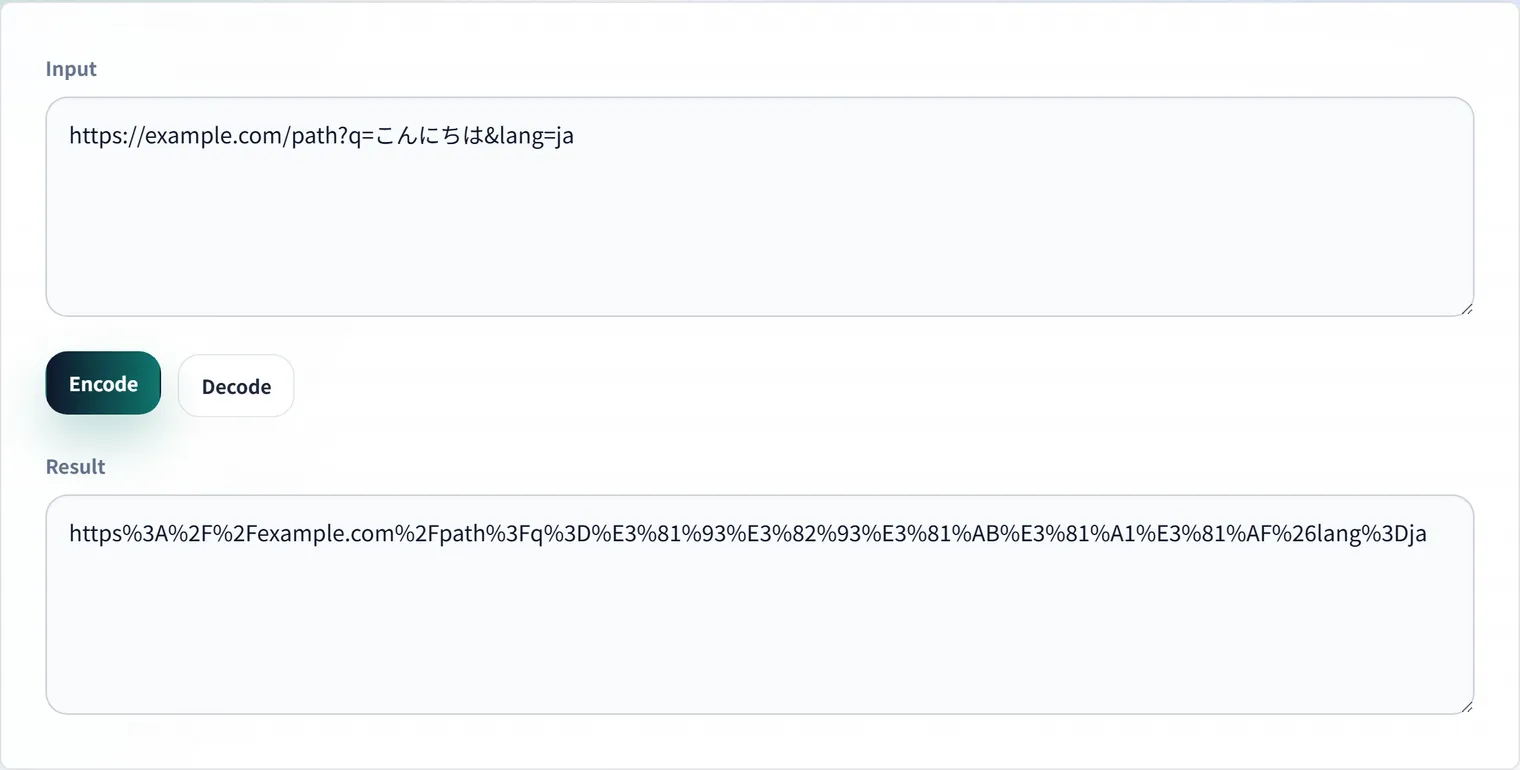
DevToolKits’ URL Encoder and Decoder helps you convert readable text into URL-safe strings and decode existing values back into text.
Example: Putting a search keyword into a URL
Say you want to put the search keyword Tokyo Station cafe into a URL. Spaces can break display or copying in some environments.
Tokyo Station cafeURL-encoded, it becomes:
Tokyo%20Station%20cafePlaced in a query parameter, it produces a shareable URL:
https://example.com/search?q=Tokyo%20Station%20cafeConfirming that it decodes back to the original string helps you catch mangled search conditions or character corruption.
When encoding matters
Encoding is especially important when building search URLs, callback URLs, API query parameters, redirect targets, and tracking links. If a value is not encoded correctly, the browser or server may split it at the wrong character and interpret it as a different parameter.
For example, a space may appear as %20 or + depending on the context. A slash inside a query value may need different handling than a slash in a path.
Inspect query strings separately
When a URL has many parameters, use the URL Parameters to JSON Converter to break the query string into keys and values. This makes tracking links and API requests much easier to review before you share or deploy them.
Summary
URL encoding is a small detail that prevents broken links, malformed API requests, and tracking errors. Decode what you receive, encode what you send, and review long query strings as structured data whenever possible.
Frequently Asked Questions
Are %20 and + both spaces?
Both represent a space, but the context differs. In URL paths and percent-encoding, a space is %20. In query strings (application/x-www-form-urlencoded), a space may be represented as +. Check the format your API or form expects, and verify the actual string you send with the URL Encoder and Decoder.
How do I spot double encoding?
A % is normally encoded to %25 when it’s part of a value. If the decoded result contains %25, or it doesn’t return to the original URL after one decode, you likely have a double-encoded value—an already-encoded string that was encoded again. Decoding once and checking whether it returns to the expected URL helps isolate the cause.
Do non-English characters in a URL always need encoding?
The address bar may show them directly, but when sharing as a link or passing to an API, encode them to avoid environment-dependent corruption. For example, 東京 is encoded as its UTF-8 byte sequence, %E6%9D%B1%E4%BA%AC.