
Tools mentioned in this article
Open the browser-based tool while you read and try the workflow immediately.
JSON and YAML: Two Key Data Formats
In modern development, saving and transferring data usually involves either JSON or YAML. Each has its own strengths and ideal scenarios.
JSON (JavaScript Object Notation)
- Features: Lightweight and fast to parse. Extremely high affinity with JavaScript.
- Common Uses: Web APIs (REST), frontend request/response communication.
- Weaknesses: Does not support comments. Strict about trailing commas.
YAML (YAML Ain’t Markup Language)
- Features: Highly human-readable.
- Common Uses: Configuration files (Docker, Kubernetes, GitHub Actions), CI/CD pipelines.
- Weaknesses: Strict about indentation (whitespace). Parsing is more complex than JSON.
When You Need to Convert Between Them
- Editing config files: Take a JSON configuration from an API and convert it into a readable YAML format for local editing.
- Data insertion: You manage settings in YAML for readability but need JSON to send via an API.
- Debugging: Quickly convert a messy, single-line JSON blob into YAML to grasp its structure.
Example: Reviewing API Settings in YAML
Suppose you receive this JSON configuration from an API.
{
  "retries": 3,
  "timeoutMs": 30000,
  "features": {
    "csvExport": true,
    "betaDashboard": false
  }
}
Converting it to YAML for review makes the hierarchy easier to read.
retries: 3
timeoutMs: 30000
features:
  csvExport: true
  betaDashboard: false
In this form, it’s easier to confirm whether the timeout is in milliseconds and where each feature flag sits in the hierarchy. When you move between JSON, CSV, and YAML, the key is to adjust the presentation to “who is checking what,” rather than the format itself.
Interconversion with DevToolKits
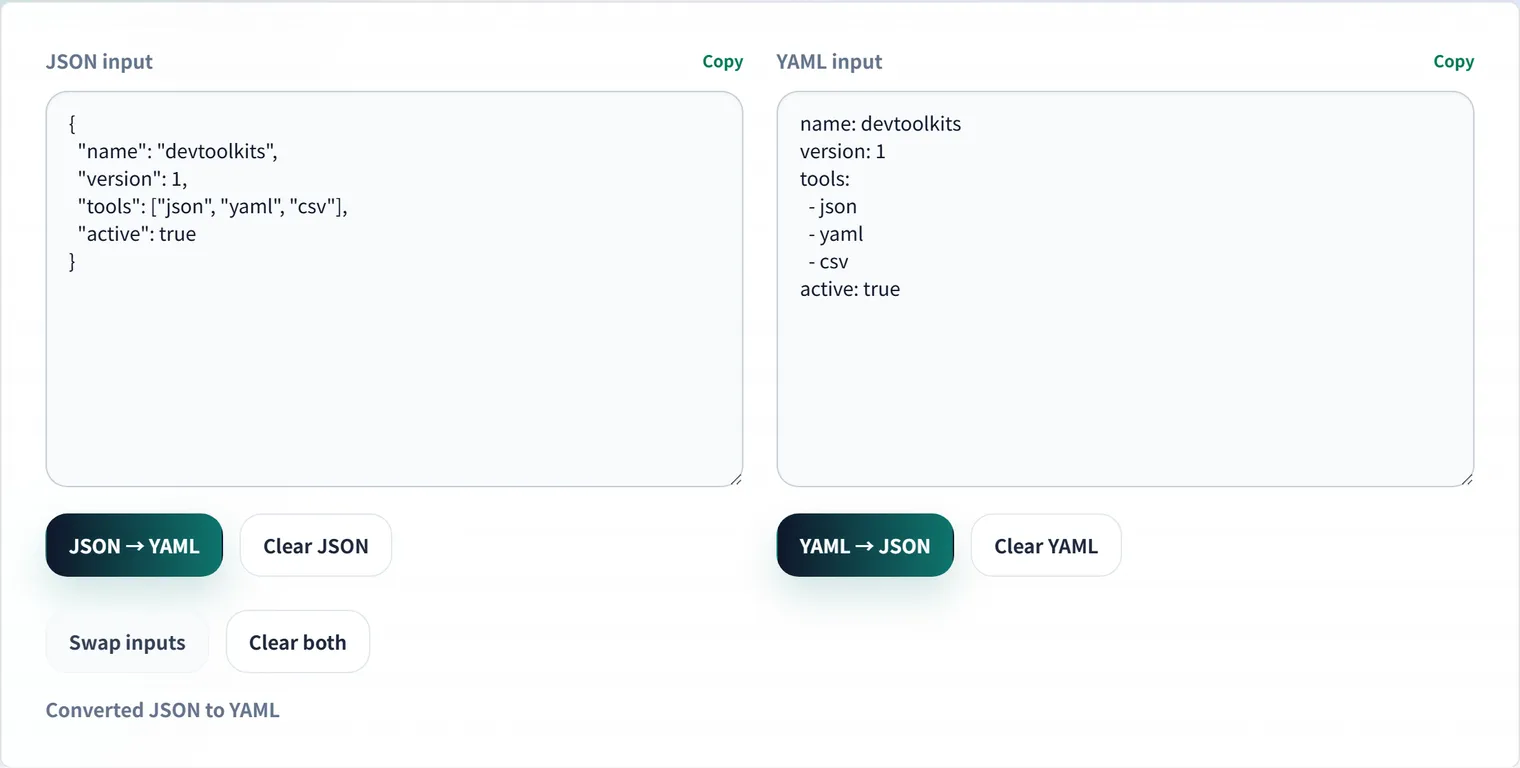
The JSON ⇔ YAML Converter allows effortless, one-click bidirectional conversion. Paste your JSON to get YAML, or paste your YAML to get JSON.
💡 Note: Since JSON does not support comments, converting from YAML to JSON loses any comments in the YAML source. This tool is best used for pure data structure transformations.
Frequently Asked Questions
Which should I use, JSON or YAML?
For machine-to-machine communication (web APIs), JSON is fast to parse and less ambiguous. For human-edited config files (Docker, Kubernetes, CI/CD), YAML allows comments and is more readable. Since they’re interconvertible, the basic rule is to use each where it fits.
My comments disappear after converting YAML.
JSON has no concept of comments, so a YAML → JSON → YAML round trip loses them. For config files where you want to keep comments, write them back by hand after conversion, or use conversion only for pure data structures.
I’m getting indentation errors in YAML.
YAML is strict about whitespace indentation and does not allow tab characters. A misaligned hierarchy causes parse errors or an unintended structure. Converting to JSON to verify the structure and then back to YAML makes it easier to spot broken indentation.