
Tools mentioned in this article
Open the browser-based tool while you read and try the workflow immediately.
“I want to see this URL on my phone right now”
Whether it’s a reference document you’re viewing on your PC or a localhost screen you’re developing… there are many times a day when you think, “I’d love to check this on my phone right away.” Sending it via Slack feels like overkill, and manual entry is out of the question.
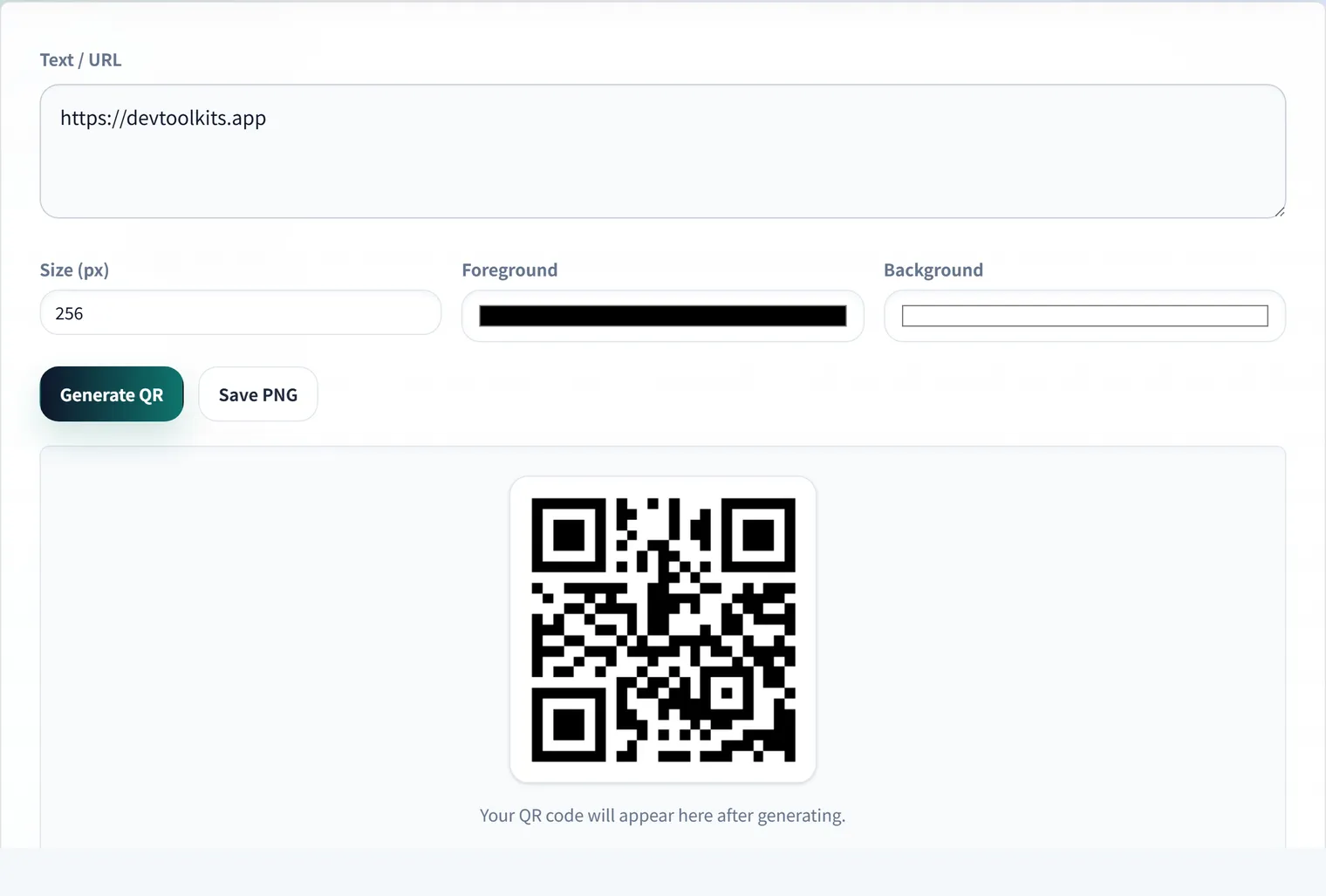
In those moments, that small square pattern on the screen—the QR Code—becomes the shortest bridge connecting your PC and the real world (your phone).
QR Codes: Digital “Magic Windows”
QR codes are more than just a sequence of information. Since they can be read in an instant even if they are slightly smudged or upside down, their “toughness” and “speed” were born from the meticulous dedication of Japanese engineers.
In web development, they have become indispensable—not just for sharing URLs, but also for passing Wi-Fi configuration info or sharing secret keys for Two-Factor Authentication (2FA).
Ensuring Safe “Reading and Writing”
While QR codes are convenient, some of them are “fake windows” that lead to malicious sites. That’s why the tools we use should be trustworthy.
DevToolKits’ QR Generator and QR Reader are designed with privacy as the top priority. The content you read or the URLs you generate are never sent to a server. All “translations” are completed entirely within your browser.
Practical Examples in Development and Operations
When you want to open an internal staging URL on your phone, generate the QR on your PC and scan it—then you’re straight into device testing. For example, a URL like this:
https://staging.example.com/login?preview=1Keep in mind that a QR code doesn’t reveal its destination by sight. Before putting one on a flyer or internal document, always scan it once to confirm the domain, path, and query parameters are what you expect. If you use a shortened URL, check the expanded URL as well.
For 2FA setup or sharing Wi-Fi settings, a QR code may contain secret information. In that case, pair it with operational care: don’t leave screenshots in chat, delete images you no longer need, and limit who they’re shared with.
Conclusion
QR codes are tools that make our digital lives more seamless. By understanding how they work and using safe tools as your allies, you can achieve a smooth development experience that transcends device boundaries. Why not turn that long URL into a scannable “pattern” right now?
Frequently Asked Questions
Is there a limit to how much data a QR code can hold?
It depends on the data type and error-correction level, but roughly up to ~7,000 digits of numbers or ~4,300 alphanumeric characters. However, more data means finer cells that are harder to scan, so shortening long URLs or keeping only essential information is more practical.
How can I check whether a QR code’s destination is safe?
A QR code doesn’t reveal its destination by sight. Before putting one on a document or flyer, scan it once to confirm the domain, path, and query parameters are as expected. For shortened URLs, verify the expanded URL too.
Are the QR codes I generate or scan sent anywhere?
Both the QR Generator and QR Reader process everything in your browser and never send the URLs you enter or the content you scan to a server. They’re safe to use even for sensitive data like 2FA secret keys or Wi-Fi settings.